
Ring up a sale in a few taps
Pick items from your catalog, adjust quantities, and add a note like "oat milk".
Tablet app
From the counter to the tables: add items, open bills per table, and track takings on the iPad's larger screen.
Available on the App Store
Sign in with your existing Apollo account. Accounts are created on the web; the app itself has no signup.

On-location sales
Four steps from the first item to the day's takings — no computer needed.
Pick items from your catalog, adjust quantities, and add a note like "oat milk".
The receipt is registered with the tax authority where the law requires it. Print it or send it by email.
Before you lock up, review takings by payment method, tax rate, and category, and export them to CSV.
Revenue, issued documents, and best sellers in one view.
Payments and printing
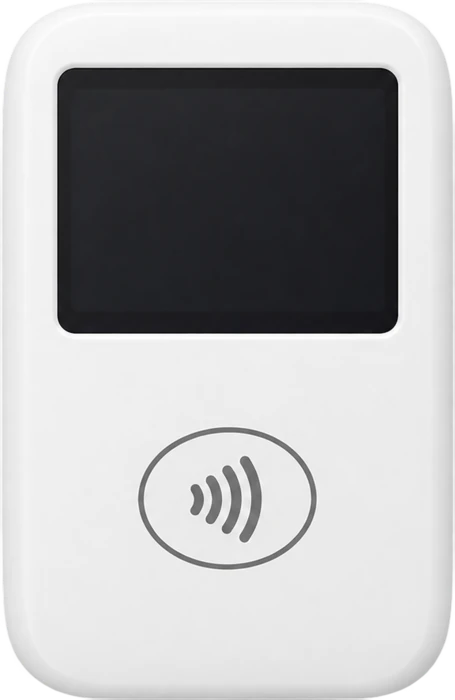
Take card payments with a supported SumUp card reader. An active SumUp merchant account is required; availability depends on country and device.
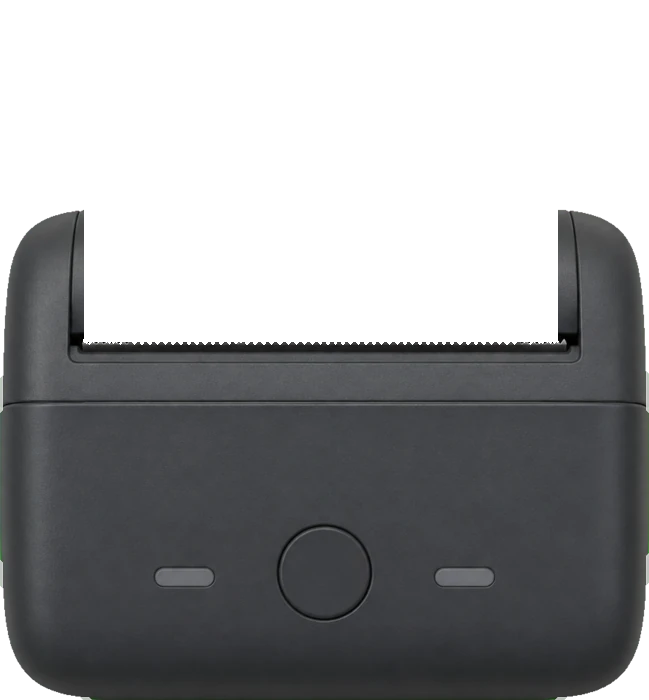
Print receipts directly from Apollo on a supported Bluetooth thermal printer.
Contact us about supported modelsAs you grow
Download on the App Store
Download the native Apollo app for iPad. Sign in with an existing Apollo account created on the web.