Public shareable invoice link
Customers open the invoice and its PDF in their browser, no login or password needed.
Get paid faster
See who owes you, let reminders do the chasing, and make it easy for customers to pay.

Know who owes you
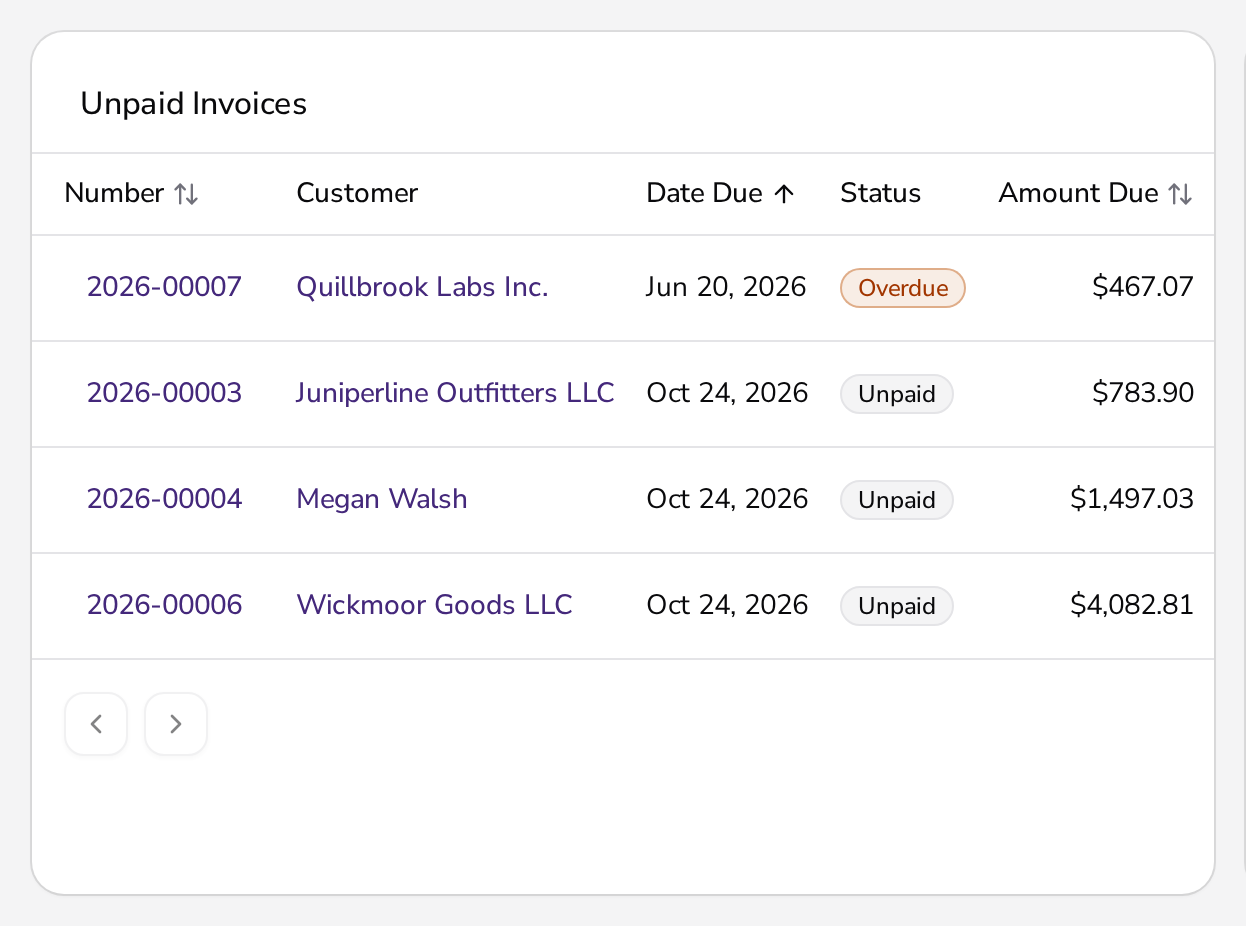
Every invoice has a clear status, and you can record full or partial payments by any method.
Open, partially paid, or paid: see where things stand with each customer at a glance.
Record several payments on one invoice, whether a customer pays in installments or by different methods.
Add more than one bank account and choose which one appears on each invoice.
Reminders
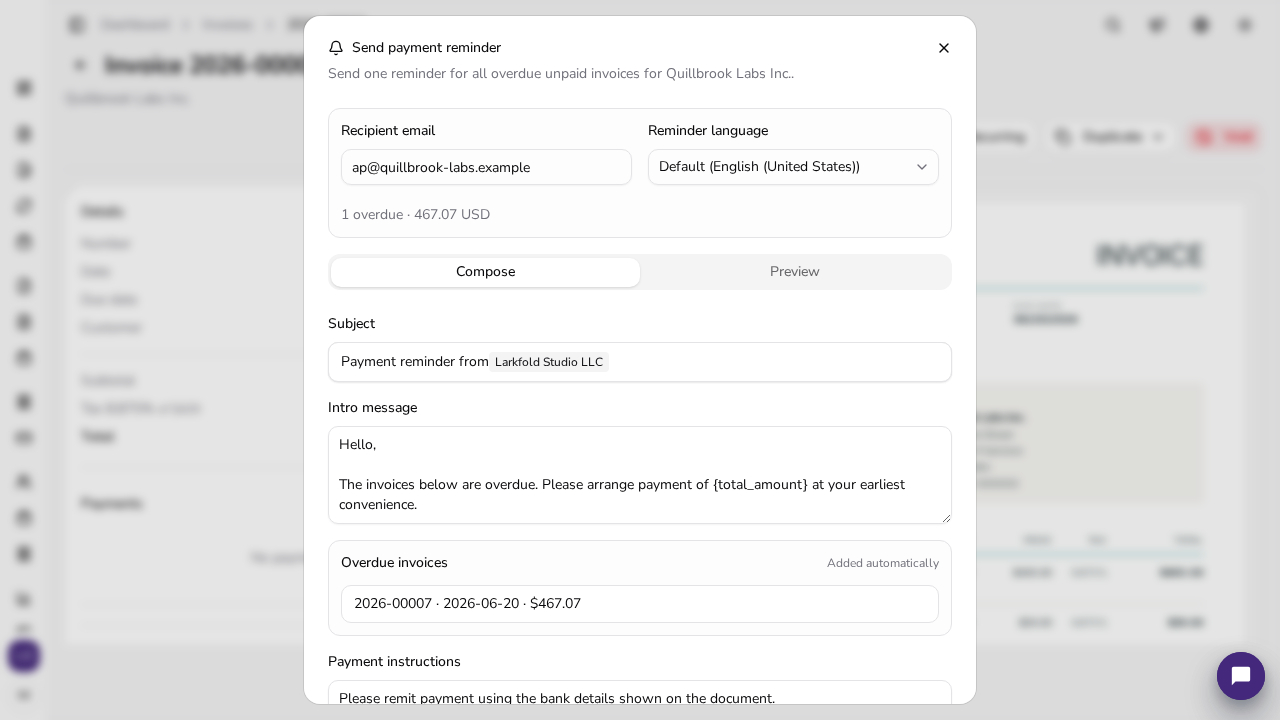
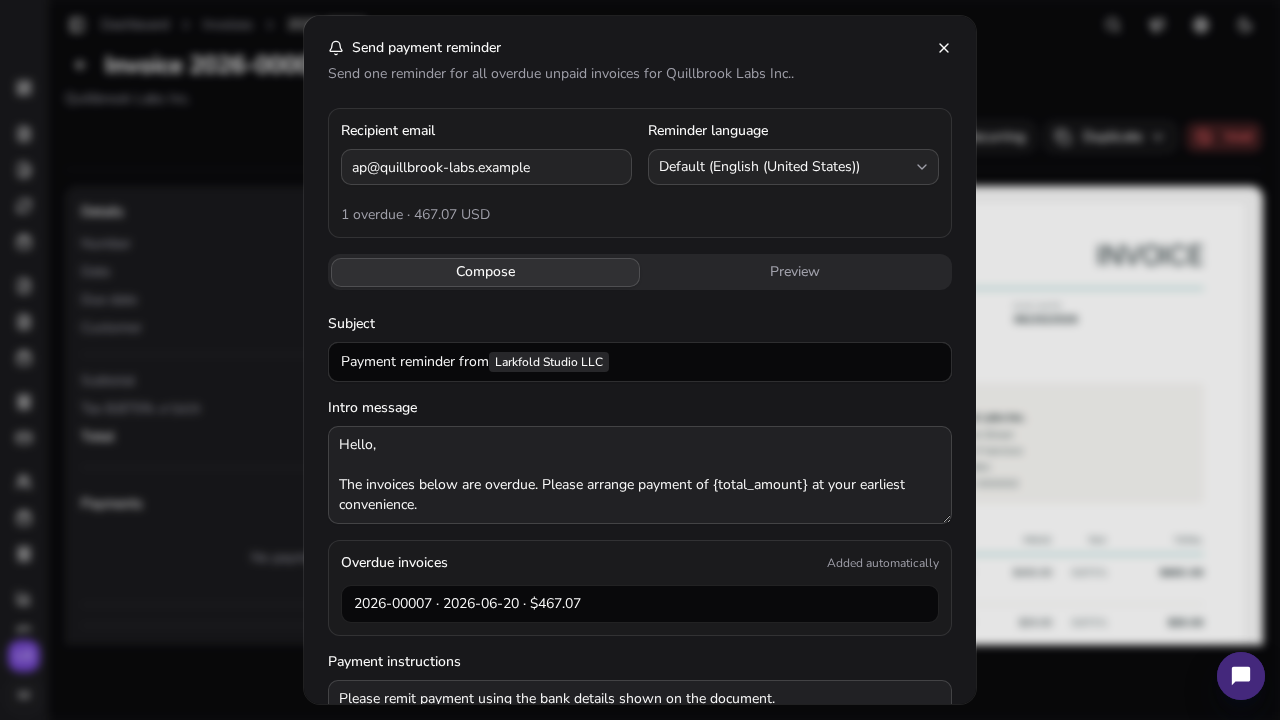
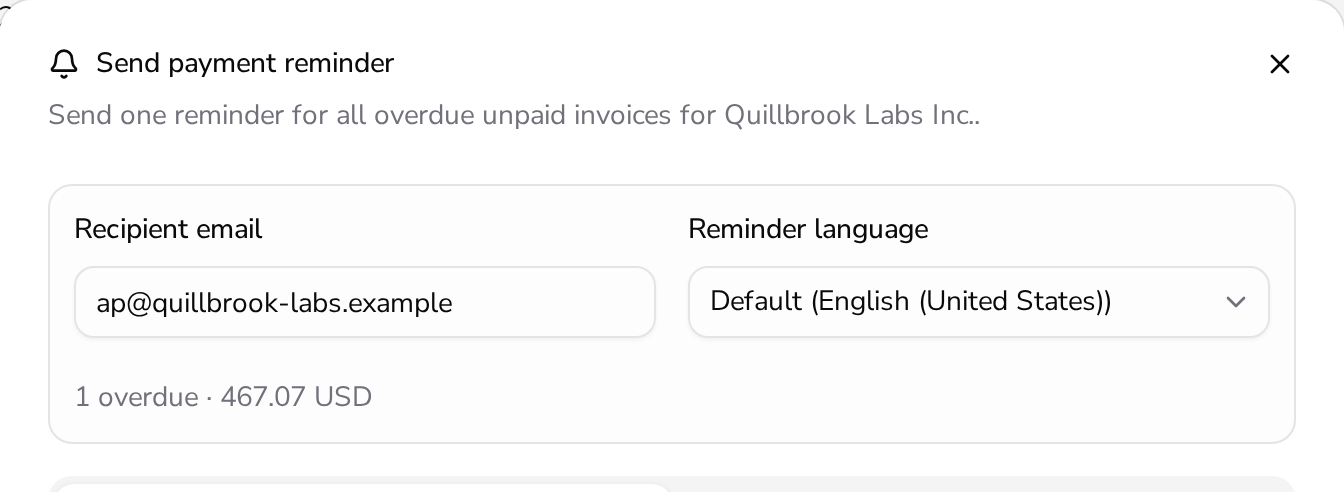
Turn on automatic reminders for overdue invoices, or send one yourself when you want a personal touch.
Apollo emails customers automatically when an invoice is overdue.
Send a reminder from any open invoice whenever you want to follow up personally.
Make paying easy
Customers open the invoice and payment details through a link, no login needed.
Customers open the invoice and its PDF in their browser, no login or password needed.
Croatian invoices get a HUB3 payment barcode that customers scan to pay in their banking app.
At the counter
On the native iOS register, accept card payments through supported SumUp card readers.
Issue and settle an invoice right on your iPhone.
Card payments require an active SumUp merchant account; availability depends on country and device.
What businesses ask about tracking and speeding up payments in Apollo.
Yes. You can record multiple payments against a single invoice until it's fully settled.
Yes, once you turn them on. You can also send a reminder yourself at any time.
They open the invoice link in a browser, no login needed, and see the amount due and payment details, including a payment QR code where available.
Not online. You can take card payments in person at the counter with a supported SumUp reader in the iOS app.

Get paid faster
Track statuses, send reminders, and give customers an easy way to pay — all inside Apollo.
