Shared categories
One list of financial categories, used across every document.
Reports & analytics
See revenue and recent activity at a glance, break down income and expenses by category, and export reports for your accountant.

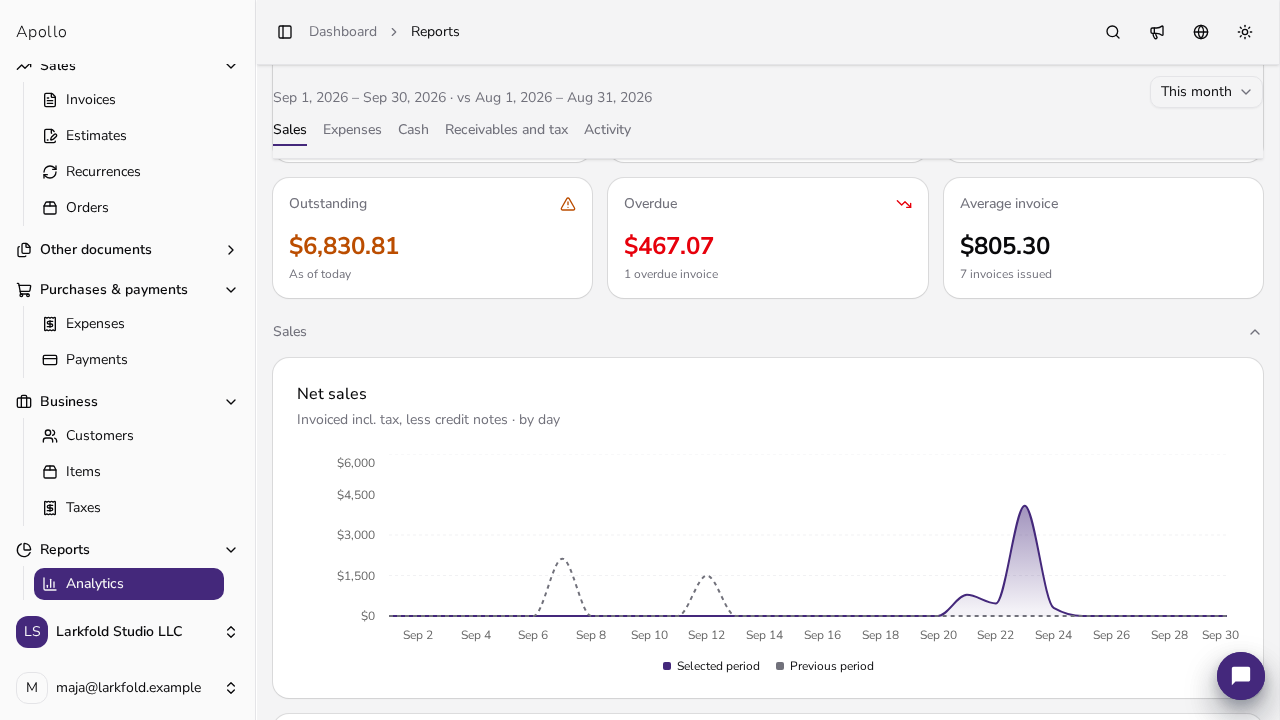
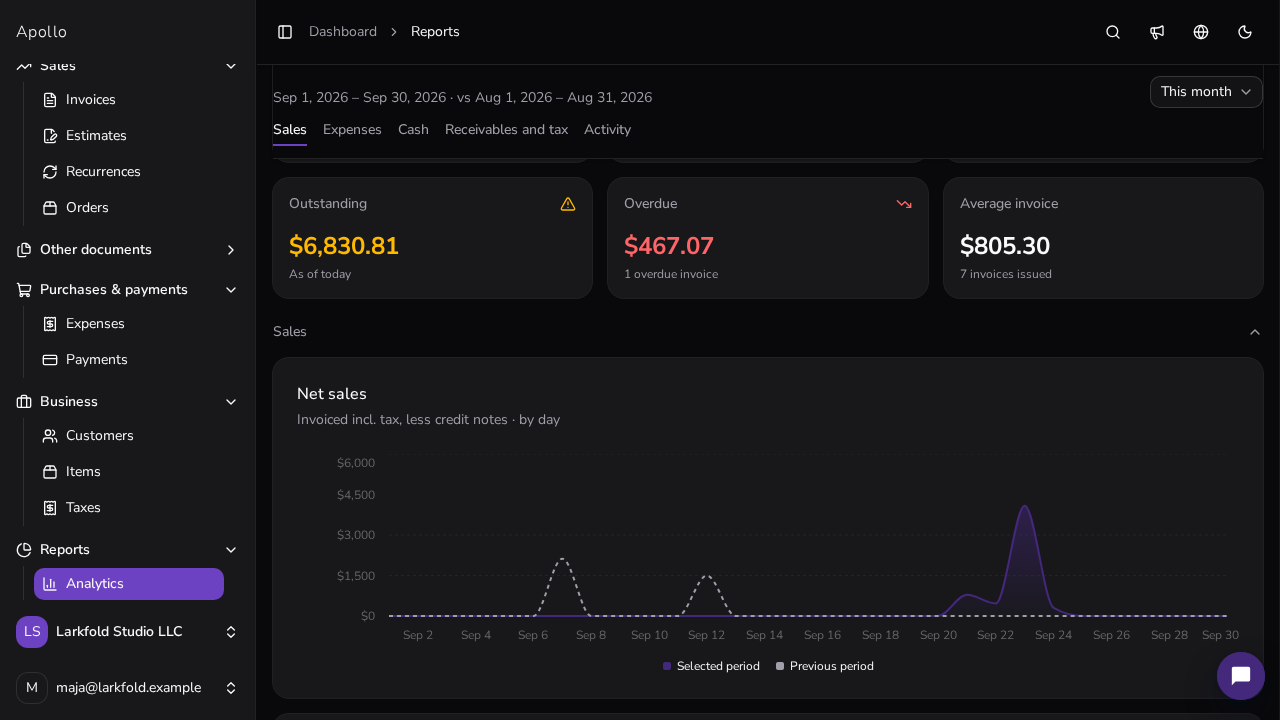
Dashboard
See revenue and recent activity without digging through documents.
Revenue for any period you choose, in one place.
See what's happened on your documents as soon as you log in.
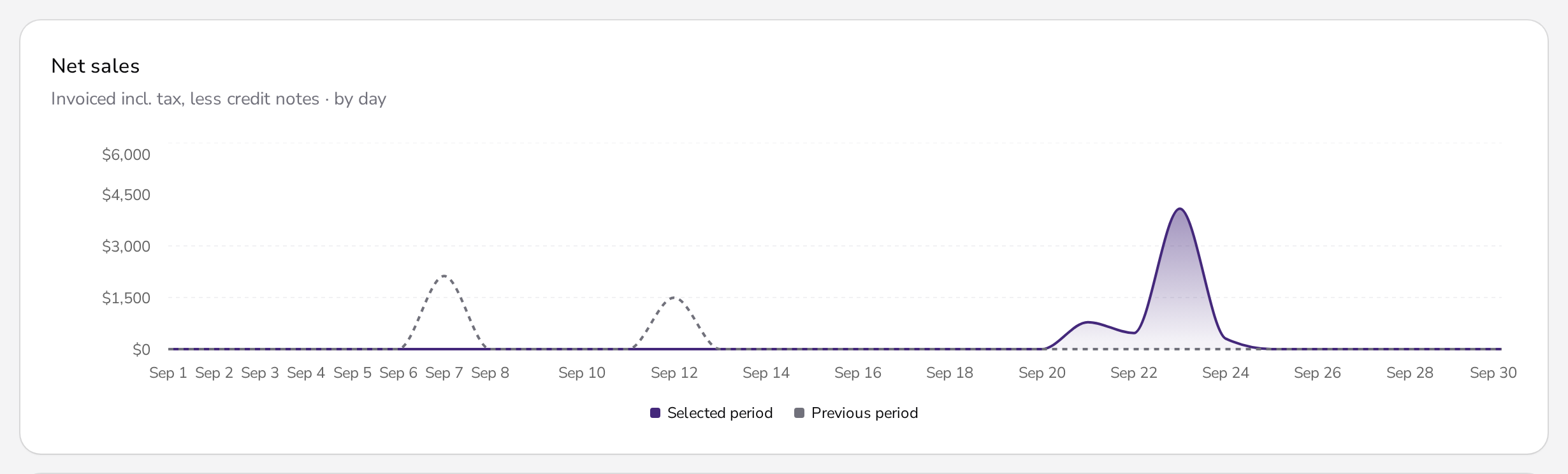
Totals and charts make reports quick to read.
Financial categories
Give items a financial category once, and change it on a single invoice line when you need to.
One list of financial categories, used across every document.
Set a category on an item, and it carries over whenever you invoice it.
Change the category on any invoice line when it needs to differ.
Reports
See where your money comes from and where it goes, category by category.
Revenue from your invoices by category, with credit notes taken into account.
Expenses by category for any period you choose.
Optionally spread revenue over the service period, with its own report.
Export reports to XLSX or CSV for your accountant.
Connect to bookkeeping
What businesses ask most often about reporting in Apollo.
Accrual. It's based on the net line totals of finalized invoices, minus credit notes, regardless of when you were paid.
A shared list of categories for your whole business. You set them on items and can change them on individual invoice lines.
If you turn it on, revenue is spread over the service period instead of a single date, with its own report.
XLSX or CSV. For accounting-software formats, see the accounting exports page.

Reports & analytics
Track your business with a dashboard and reports you can pass on to your accountant.