1
Four frequencies
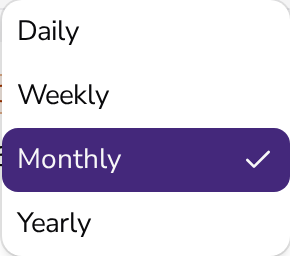
Daily, weekly, monthly, or yearly.
Recurring invoices
Set up a schedule once — daily, weekly, monthly, or yearly — and Apollo creates every invoice after that for you, and can email it too.

How it works
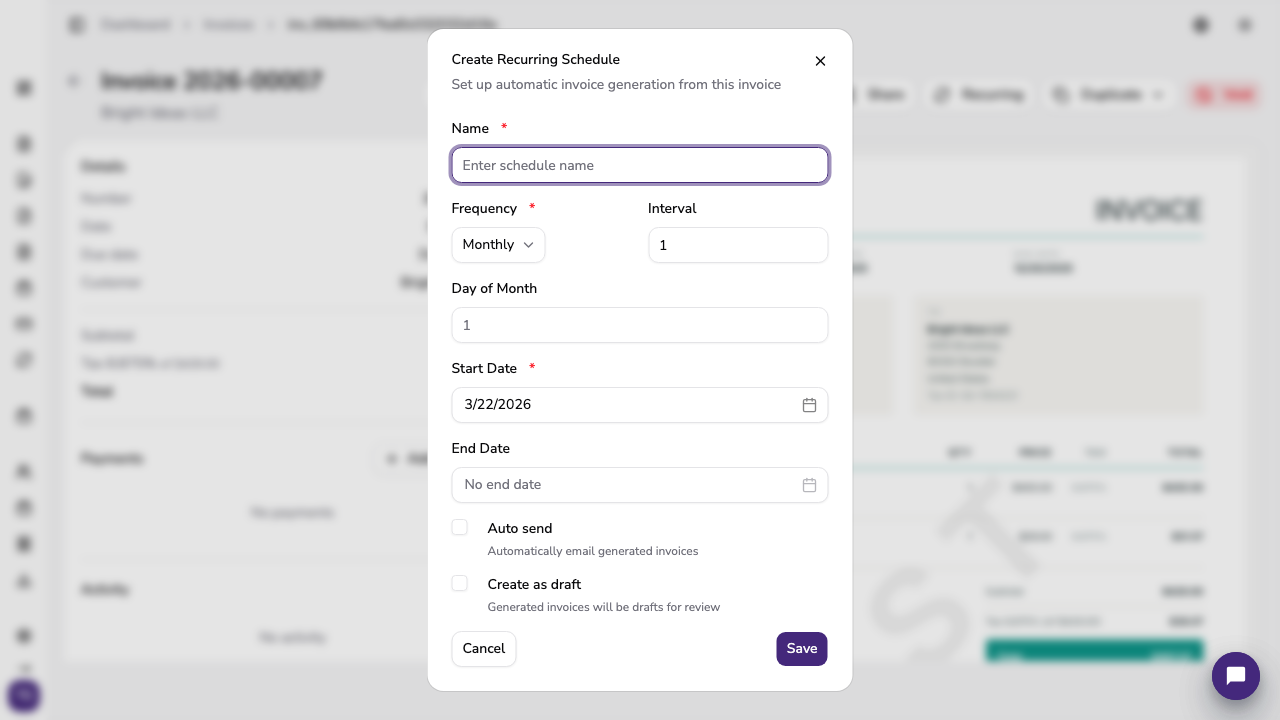
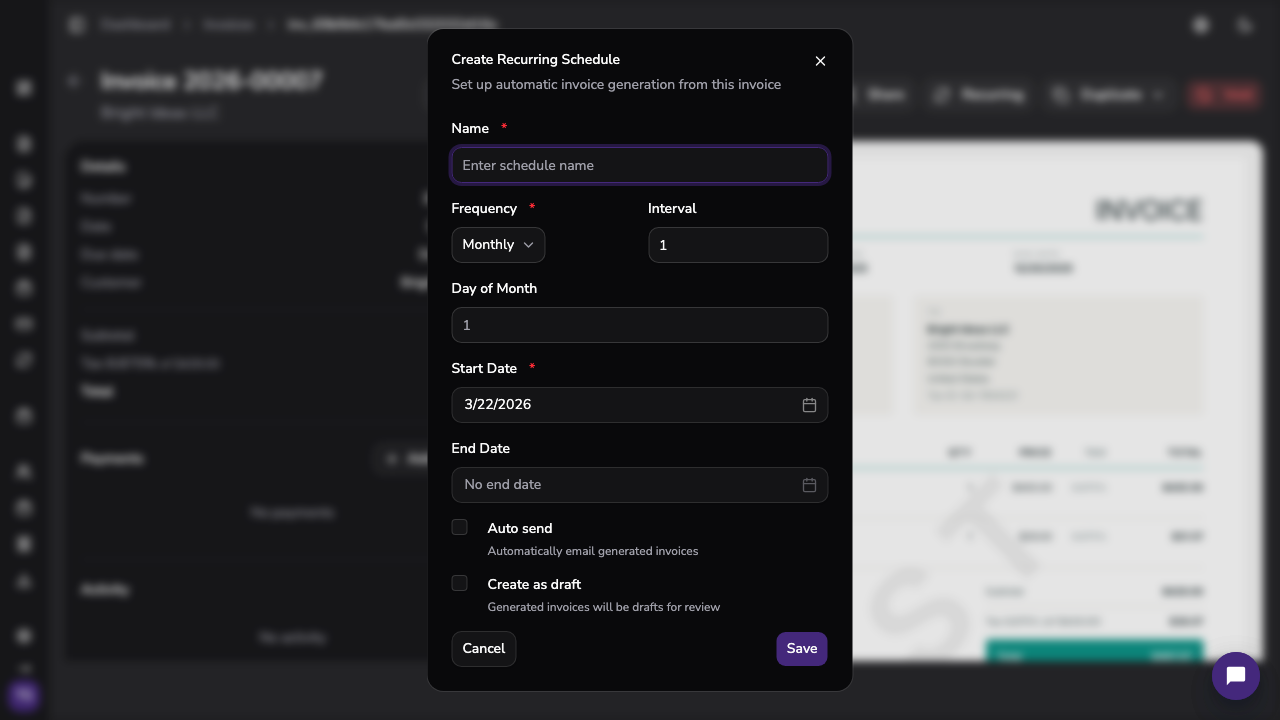
Start from an existing invoice and choose how often it repeats.
Daily, weekly, monthly, or yearly.
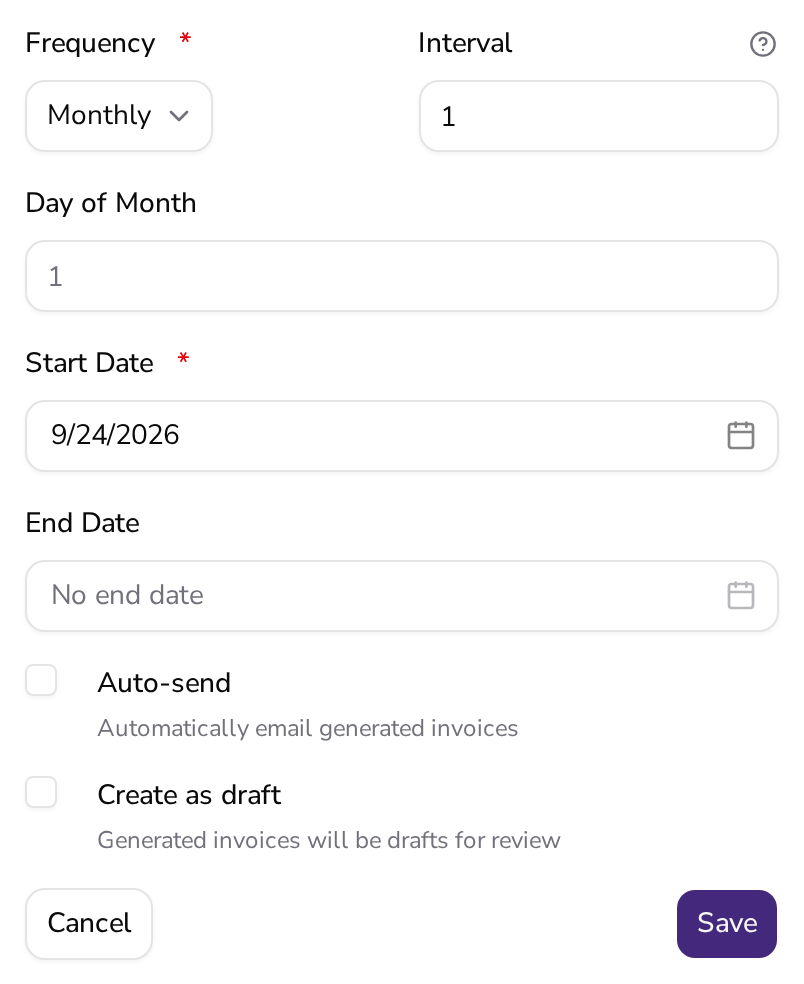
When the next date comes around, Apollo creates the invoice for you.

Turn on automatic sending, and your customer gets every new invoice by email.
Each invoice is a complete document with its own status, history, and all the usual options.
Managing the schedule
You stay in control once it's running.
Change the details, items, or frequency at any time.
Pause a schedule, say while a customer takes a break, and resume it later.
In Slovenia and Croatia, recurring invoices are fiscalized just like the ones you issue by hand.
Recurring invoices are available on Advanced and Pro plans.
What businesses ask before setting up their first schedule.
Daily, weekly, monthly, and yearly — pick whichever matches your service or subscription.
Yes. You can edit an existing schedule at any time, or pause it and resume it later.
It can. Turn on automatic sending for the schedule, or send the invoices yourself.
Recurring invoices are available in every market except Portugal.

Recurring invoices
Turn an existing invoice into a schedule and let Apollo handle the rest.