Set up Apollo in your AI app
Add the Apollo connector to your AI app, sign in to approve access, and start asking invoice questions in chat.

Quick setup
Find your Apollo connector URL
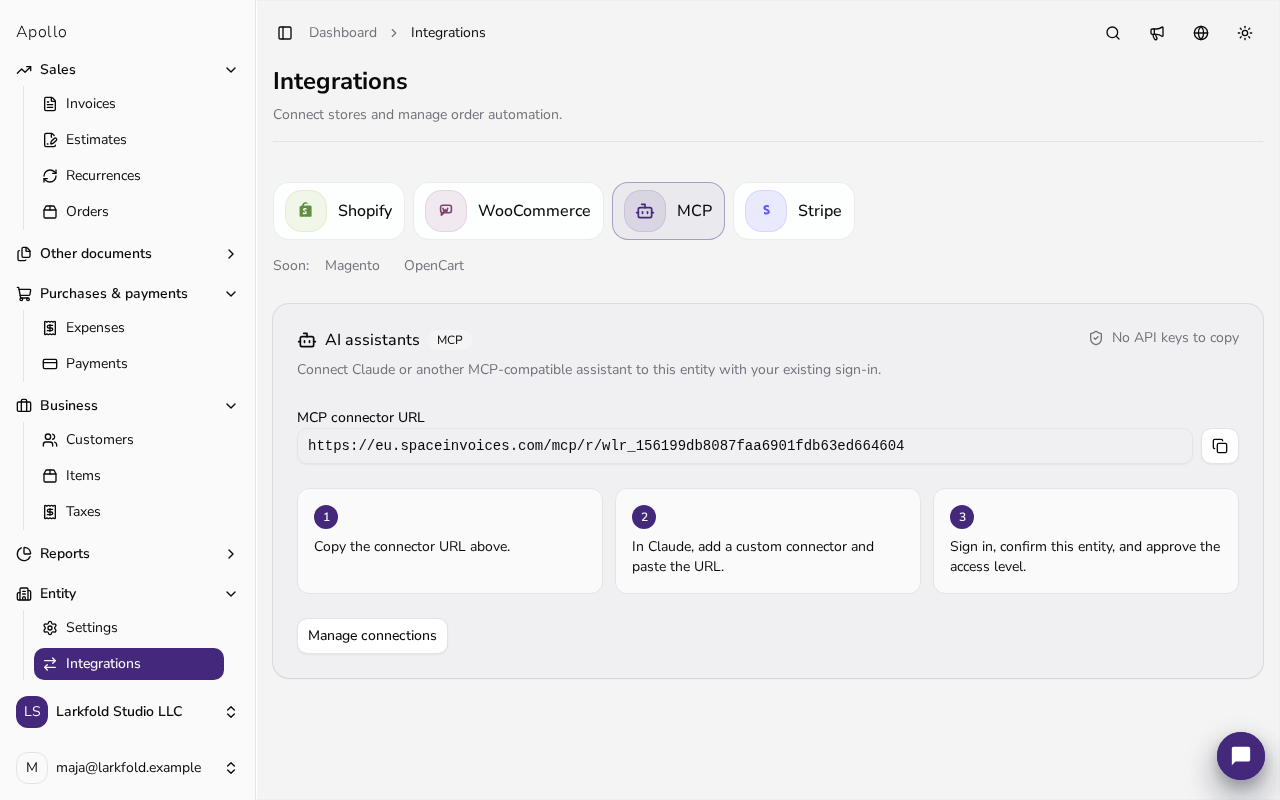
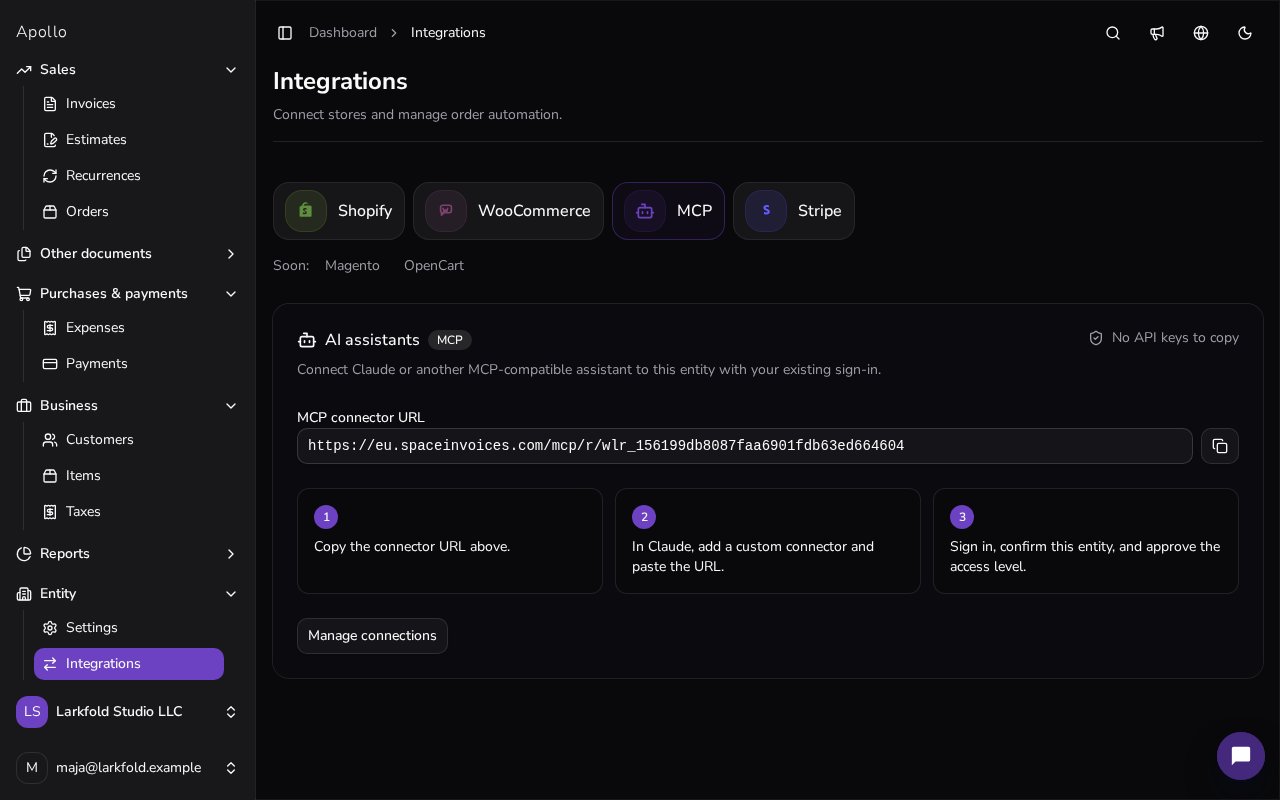
Sign in to Apollo and open Settings → Integrations → MCP → Manage connections. Copy the Apollo connector URL, or use the URL below.
Open your AI app
Open an AI app that supports remote MCP connections, such as Claude Desktop, Claude Code, or Cursor, and add a custom connector with the Apollo URL below.
Add the Apollo MCP connection
Start the connection and sign in to Apollo when prompted. Pick your business and approve read-only access. No API key needed.
Start asking real questions
Ask for overdue invoices, payment status, customer balances, or draft invoice help in plain language.
Connection details
Apollo MCP connector URL
https://eu.spaceinvoices.com/mcp/r/wlr_156199db8087faa6901fdb63ed664604
Authentication
OAuth — sign in with your Apollo account
Default access
Read-only, limited to the business you approve
Optional write access
Approve read/write access to let the assistant make changes, such as creating draft invoices. Your Apollo role still applies.
Apollo note
Apollo's connector is listed in the official MCP Registry as io.github.404-studio/apollo-invoicing. The URL above connects to Apollo, and your sign-in limits it to the business you choose.
Changing or removing access?
Manage and remove connections in Apollo under Settings → Integrations → MCP → Manage connections. To allow changes later, reconnect and approve read/write access. Review what the assistant proposes before you approve it, especially anything that sends documents to others.
* Apollo does not expose your user data to AI systems by default. AI access is only available if you explicitly configure it. Apollo is GDPR-compliant.
Good first prompts
Which invoices are overdue this week?
Show me what Quillbrook Labs Inc. still owes us.
Summarize unpaid invoices by customer.
Draft an invoice for our monthly retainer customer.
Need the technical version?
The steps above are all most people need. For advanced configuration and technical examples, see the full MCP guide.
It's written for developers and integration owners.

Stop losing hours to invoice admin
Apollo gives small teams a faster way to invoice, follow up, and stay organized.
- 14-day free trial
- Live support
- No credit card required
No credit card · 14-day free trial of all features