


A register built for action
Multiple items, quantities, tax, and a clear total in one focused view.
Mobile app
Add items at the register, issue an invoice, and check business activity from an iPhone, iPad, or Android device. Everything stays connected to the same Apollo web account.
Available on the App Store and Google Play
On iPhone and iPad, sign in with your existing Apollo account, which is created on the web. The Android app also lets you sign up and create an account in the app.
The real app
Every screen shown here comes from the real Apollo app.
Multiple items, quantities, tax, and a clear total in one focused view.
Paid, open, and overdue documents at a glance.
Line items, payment status, and totals without returning to a desk.
Your key numbers stay with you when you're away from the office.
On the go
Pick items and quantities, choose a customer, and review the total before issuing.
Find an invoice, understand its status, and open the full detail.
Use the same records your team maintains in Apollo.
Keep an eye on recent activity and key numbers.


Payments and printing
Keep card payment and receipt printing in the same iPhone sales flow.
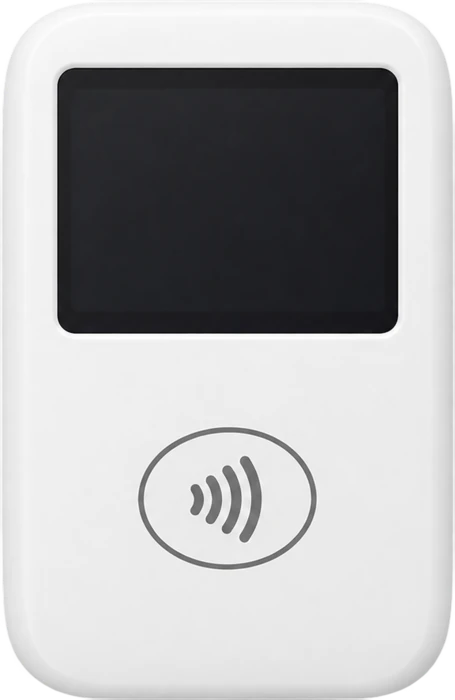
Take card payments with a supported SumUp card reader. An active SumUp merchant account is required; availability depends on country and device.
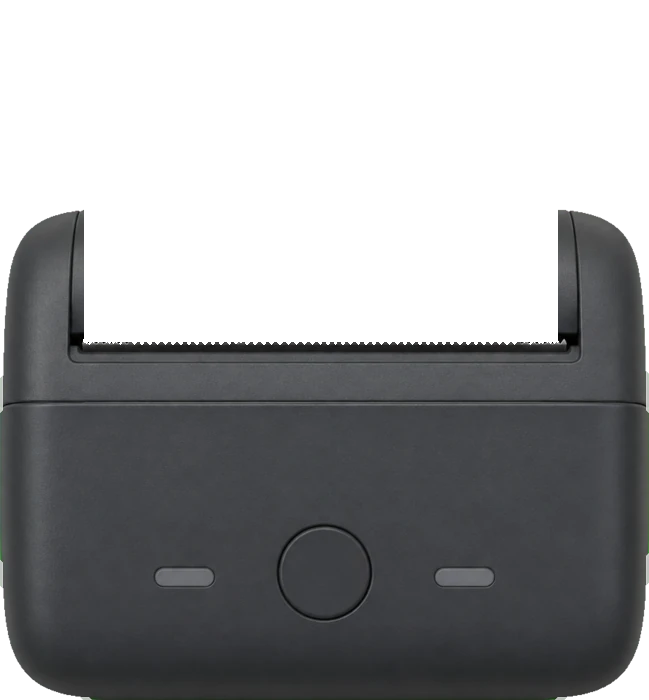
Print receipts directly from Apollo on a supported Bluetooth thermal printer.
Contact us about supported modelsDownload the app
Download the native Apollo app for iPhone, iPad, and Android. On iPhone and iPad, sign in with an existing Apollo account created on the web; the Android app also lets you sign up.


