You issue an invoice
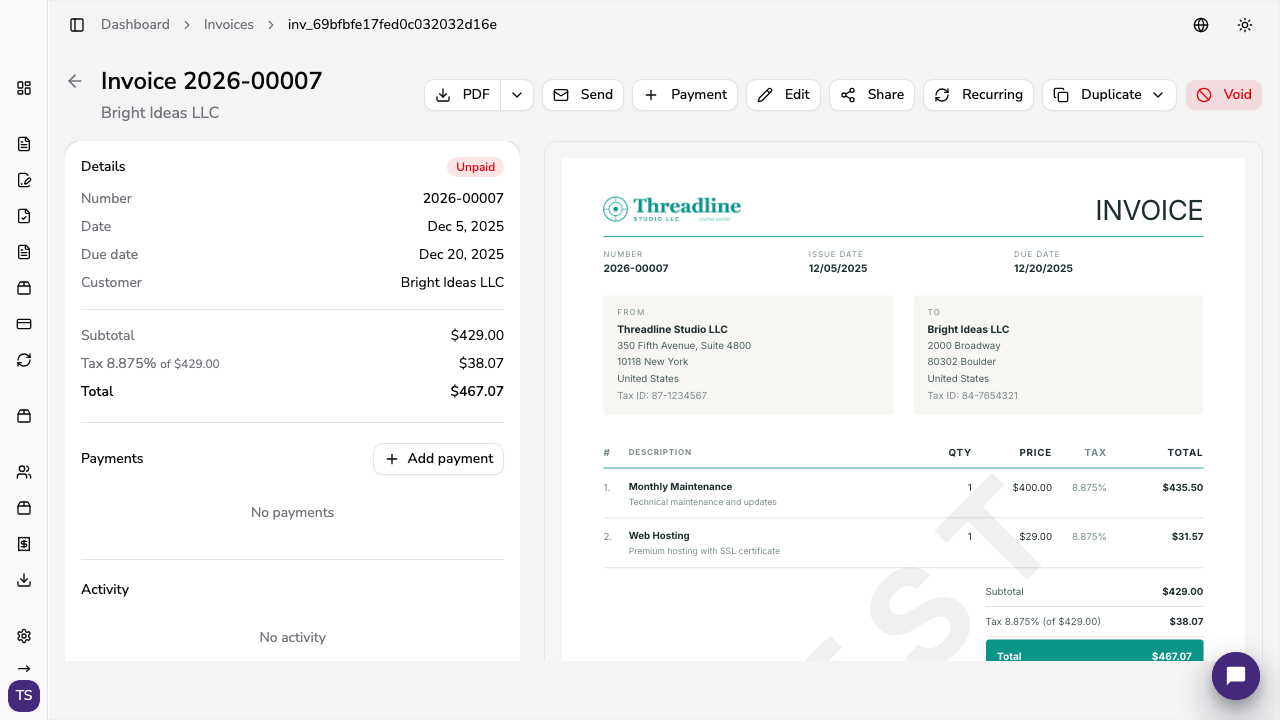
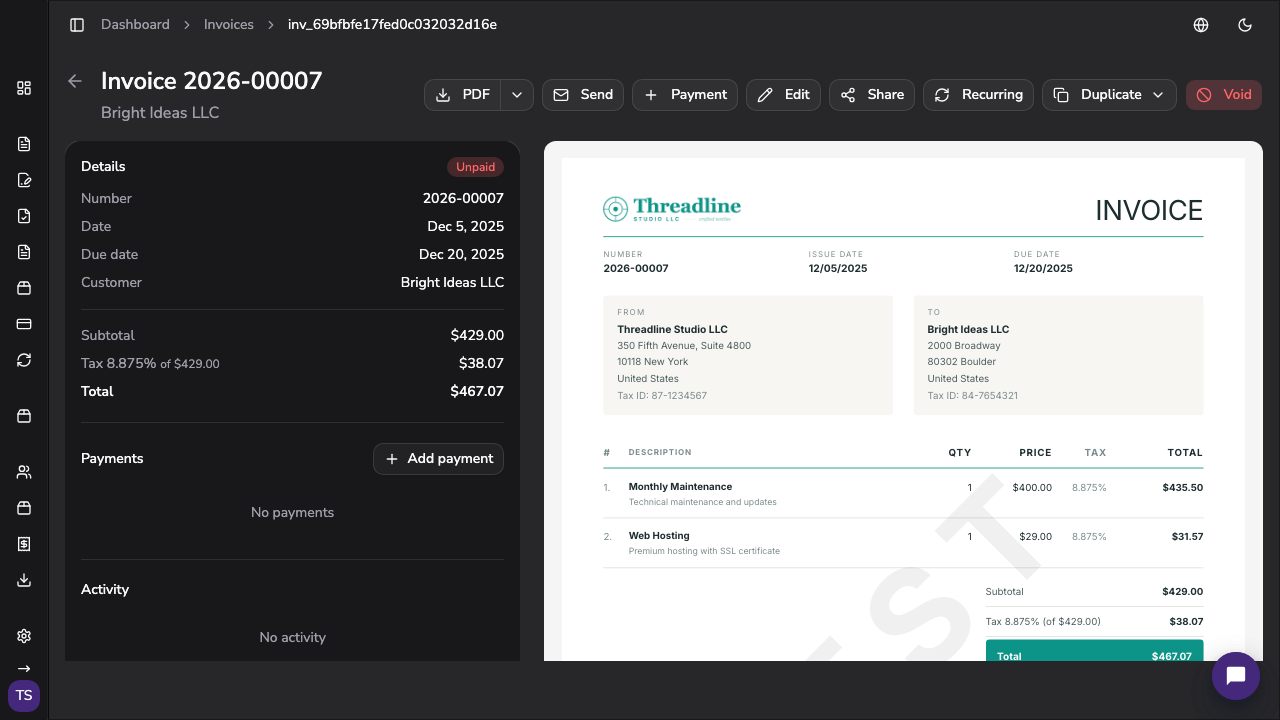
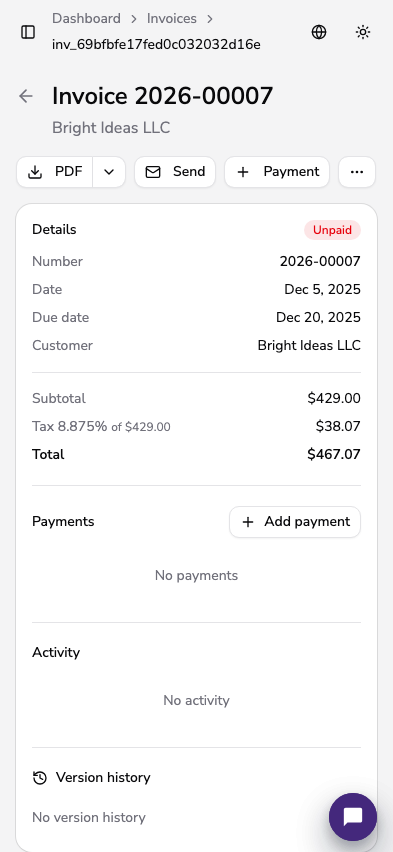
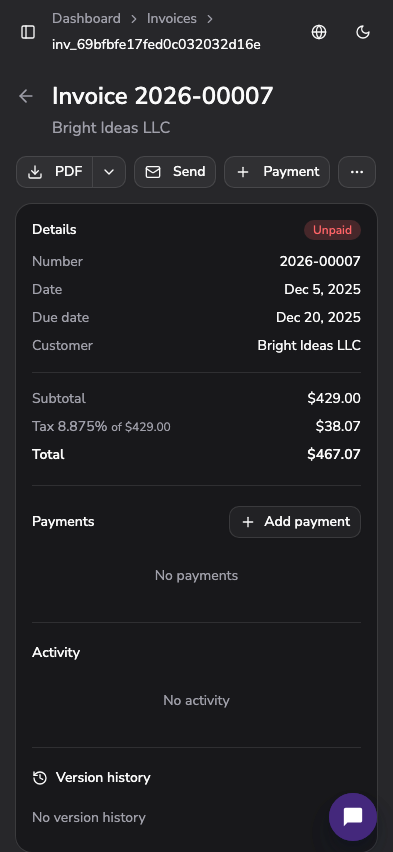
Issue the invoice in Apollo as usual — on the web, in the mobile app, or from the native iOS register.
FURS tax fiscalization
Apollo verifies every invoice with FURS in real time and prints the required codes on it, so you stay compliant without extra steps.

How it works
Fiscalization happens in the background while you invoice as usual.
Issue the invoice in Apollo as usual — on the web, in the mobile app, or from the native iOS register.
The invoice is verified with FURS in real time.
FURS returns a unique invoice identifier (EOR). Apollo prints it on the invoice with the ZOI code and a QR code.
You can still issue the invoice. Apollo marks it as unverified, and you submit it with one click once FURS is back.
What Apollo generates
Apollo also prepares the documents fiscalization requires.
The unique invoice identifier (EOR) and protection code (ZOI) are printed on every invoice.
A verification QR code is added to every invoice PDF automatically.
Apollo creates your internal act on business premises and invoice numbering from your settings. Download it any time.
Set a starting number for each business premise and device, and Apollo continues from there.
Who this is for
Apollo automates tax fiscalization; your business remains responsible for correct tax settings.
What businesses ask before turning on FURS verification.
An EOR is the unique invoice identifier FURS returns when it verifies an invoice. Apollo prints it on the invoice with the ZOI code and a QR code.
You can still issue the invoice. Apollo marks it as unverified, and you submit it for verification with one click once FURS is available again.
In Apollo, you set a separate numbering sequence for each business premise and device, as FURS rules require.
Yes. Apollo creates it from your settings, ready to download at any time.

FURS tax fiscalization
Issue invoices as usual — Apollo handles FURS verification, the EOR and ZOI codes, and the QR code.