Line items, shipping and discounts
Products with quantities and prices, shipping as its own line and line discounts carry over to the invoice.
Shopify invoices
The Apollo Invoicing app from the Shopify App Store brings your orders into Apollo. By default Apollo processes each order as soon as Shopify creates it: following your store's rules it issues the invoice, records the payment once the order is paid and emails the invoice to the customer, and in Slovenia it also fiscalizes the invoice with FURS.

How it works
Install the app from the Shopify App Store and connect it to your company in Apollo. From then on, Shopify tells Apollo about new, paid, cancelled and updated orders.
Find Apollo Invoicing in the Shopify App Store. The app only asks for permission to read orders.
Sign in to an existing Apollo account or create one, then choose the company that will invoice this store.
By default Apollo processes the order as soon as Shopify creates it (the Created trigger). In the connection's processing settings you can switch the trigger to Paid, or issue only once the order is fulfilled.
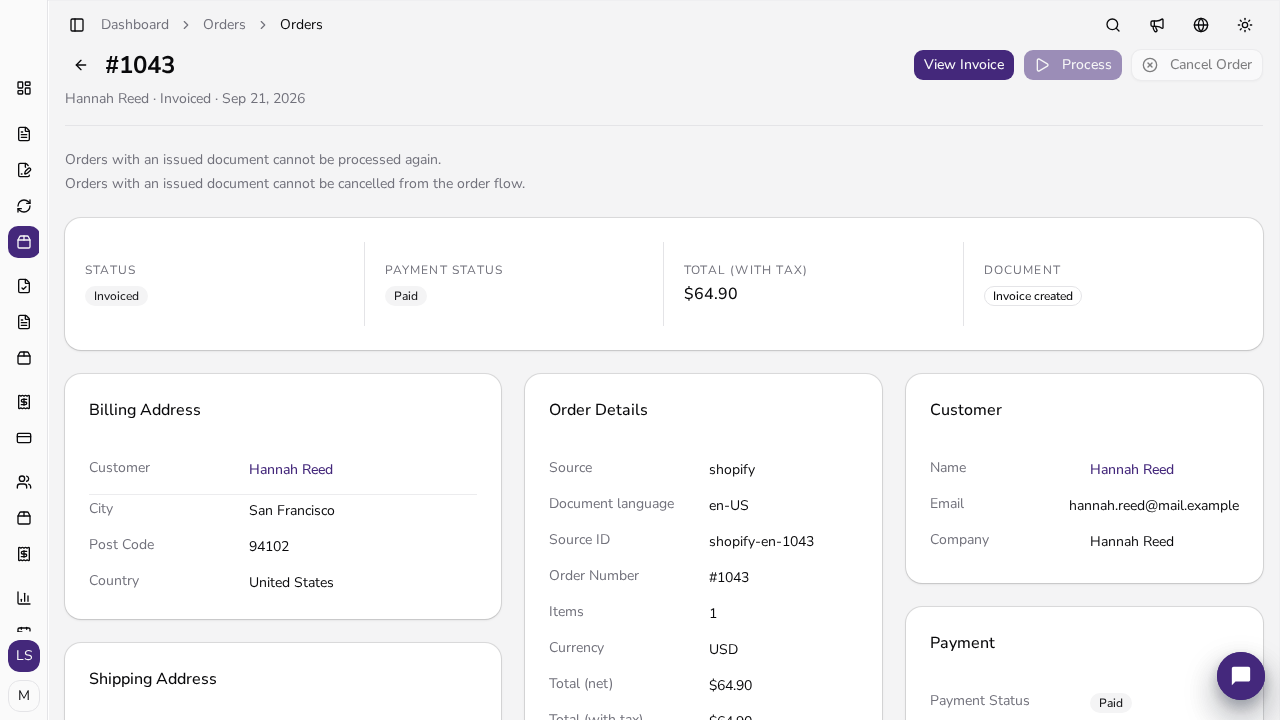
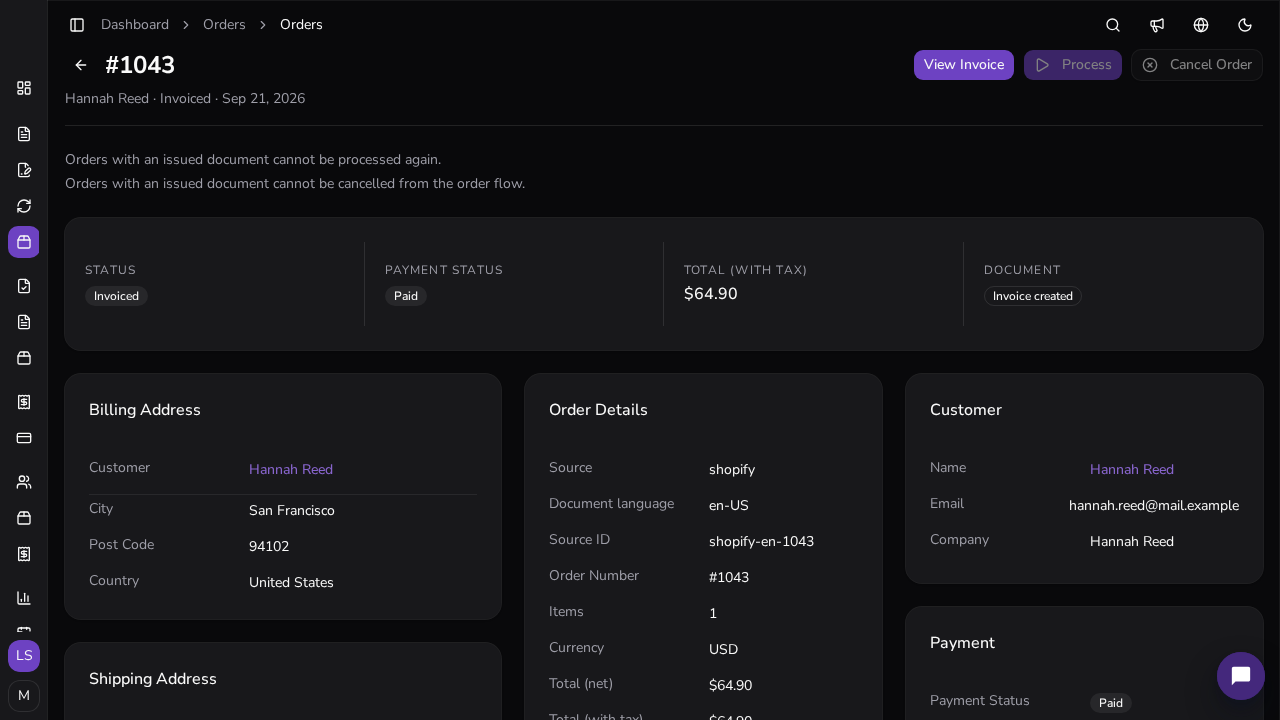
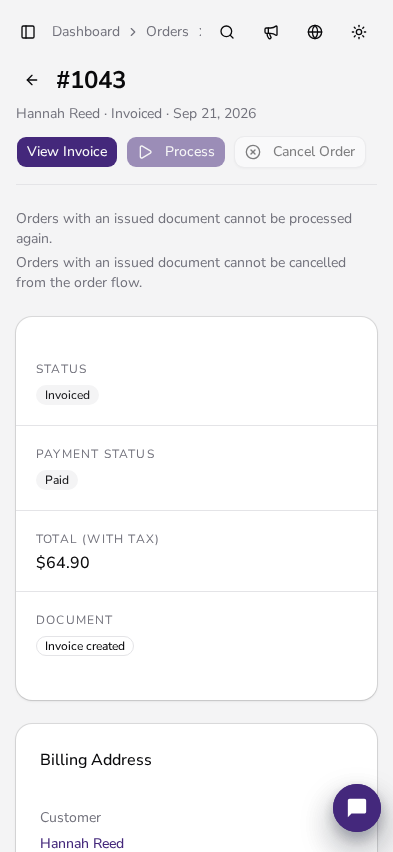
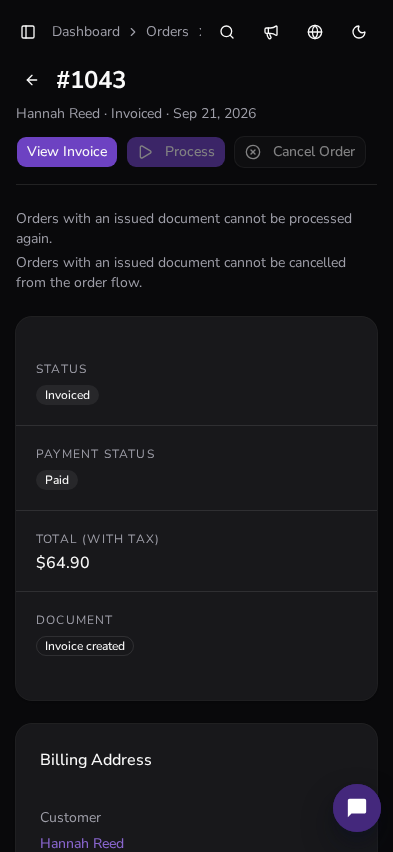
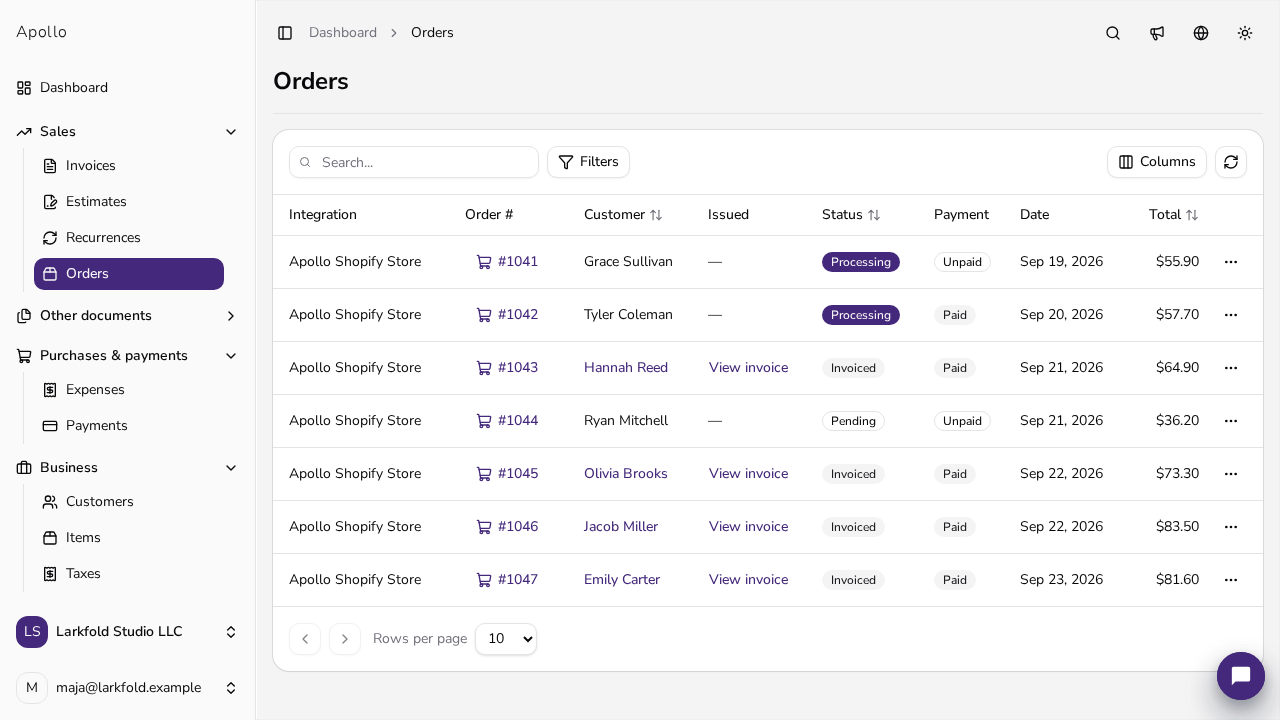
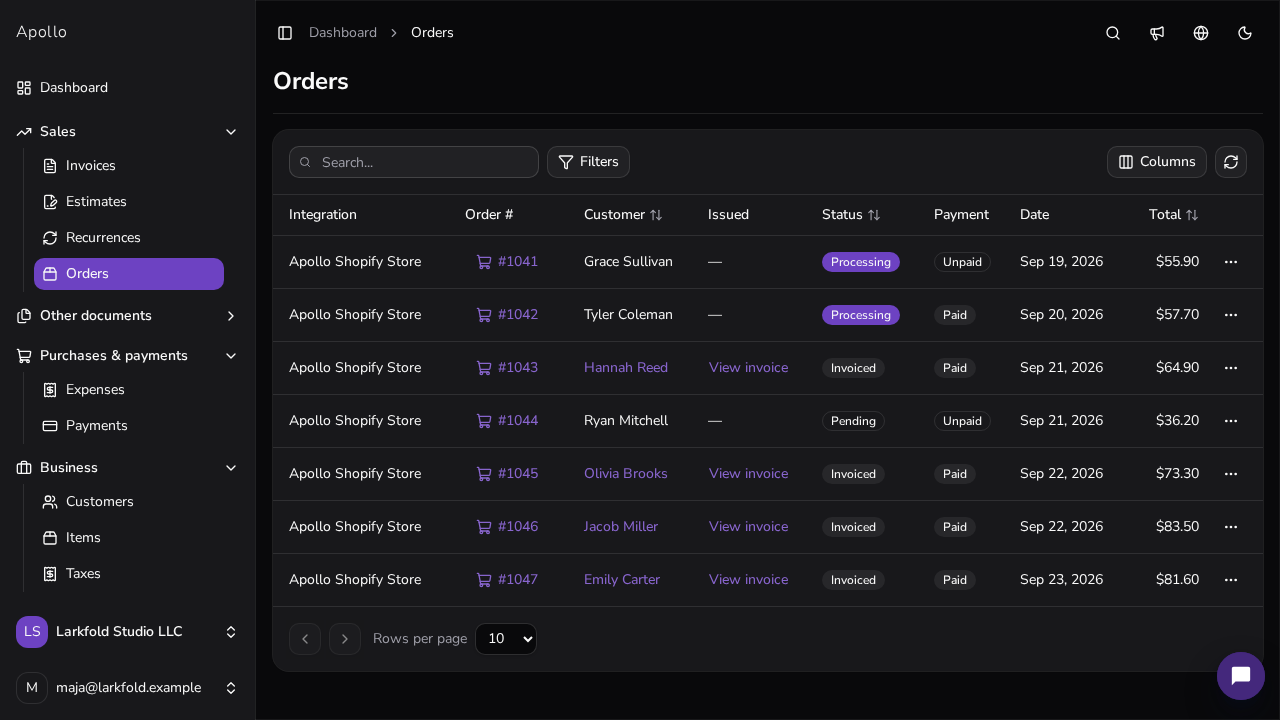
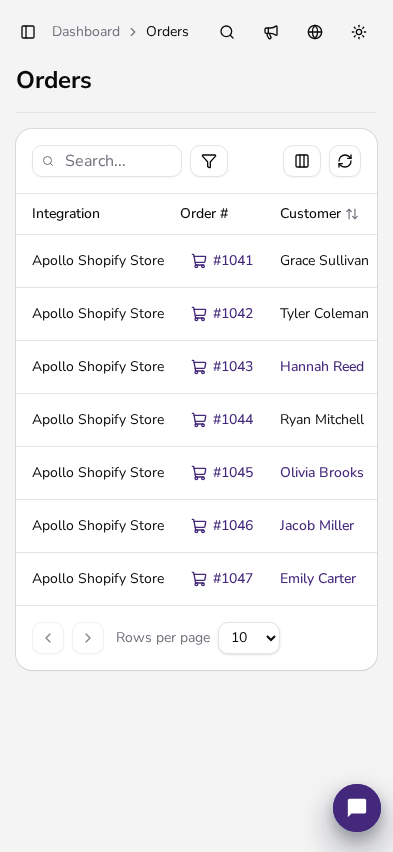
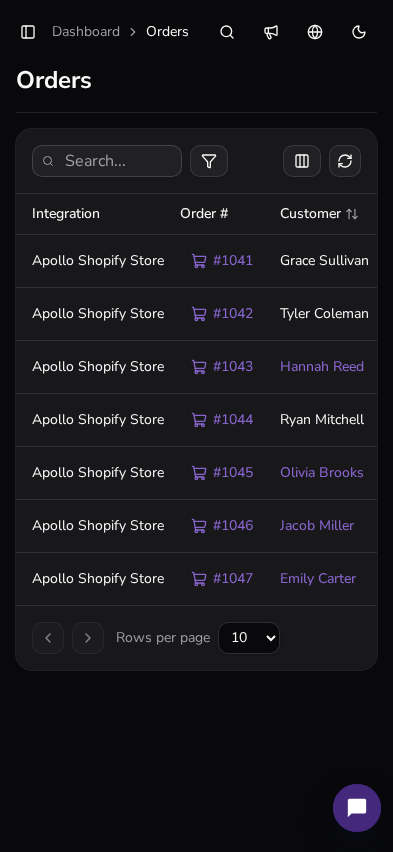
Every imported order shows in Apollo with its status, payment and linked invoice. An order that could not be processed can be processed again once the settings are fixed.
Order data
Apollo builds the invoice from the Shopify order data, so there is nothing to retype.
Products with quantities and prices, shipping as its own line and line discounts carry over to the invoice.
Apollo takes the VAT rates from the order, including when your Shopify prices include tax.
Apollo matches the buyer to an existing customer by email address or adds them as a new customer with their billing address.
Except for unpaid bank-transfer and cash-on-delivery orders, an order becomes an invoice right away, even before it is paid. Apollo records the payment on the invoice, with the payment method from the store, once Shopify reports the order as paid.
Issuing rules
Rules are set per store, and you can change them at any time in the integration settings.
For an unpaid bank-transfer order Apollo first prepares an estimate and issues the invoice from it once the order is paid. If you prefer, the invoice is issued right away.
A cash-on-delivery order that isn't paid yet when it arrives waits until it's fulfilled in Shopify (or paid, if the trigger is set to Paid). If it's already paid when it arrives, Apollo issues the invoice right away.
Apollo emails the invoice to the address on the order, with the PDF attached if you want.
When an order is fully refunded, Apollo voids the invoice. If line items change after invoicing, Apollo can reissue the invoice automatically.
FURS fiscalization
An invoice from an order is a regular Apollo invoice: it follows the same rules and the same numbering as the invoices you issue by hand.
With fiscalization turned on, Apollo fiscalizes store invoices with FURS using the business premise and electronic device you choose, or the first active pair if you choose none.
A fiscalized invoice carries the same FURS data as any other fiscalized Apollo invoice.
Until a business premise and electronic device are set up, Apollo does not issue the invoice and marks the order as failed with the reason.
Pricing
Shopify, not Apollo, bills the Apollo Invoicing app. Each store approves its own subscription in Shopify.
The Apollo Professional plan, with a 14-day trial and 1,000 invoices included.
Every additional store adds 1,000 invoices. There is no second trial.
Charged for invoices above the pooled monthly allowance, capped at EUR 100 per 30-day Shopify billing cycle.
Related
Step-by-step guide in the help center, from connecting the store to the first invoice from an order.
Shopify, WooCommerce, Stripe and Apollo's other connections in one place.
Selling on WooCommerce? Apollo turns those orders into invoices as well.
How Apollo fiscalizes invoices with FURS and what you need to get started.
What merchants ask most before connecting a Shopify store to Apollo.
Install Apollo Invoicing from the Shopify App Store, sign in to Apollo or create an account, and choose the company that will issue the invoices. The help center has a step-by-step guide.
Yes, if fiscalization is turned on in Apollo and you have an active business premise and electronic device. An invoice from an order is fiscalized exactly like one you issue by hand.
By default as soon as Shopify creates the order. An unpaid bank-transfer order first becomes an estimate, and a cash-on-delivery order that isn't paid yet waits until it is fulfilled (one that's already paid becomes an invoice right away). An order with any other payment method becomes an invoice right away, and Apollo records the payment once Shopify reports the order as paid. In the connection's processing settings you can switch the trigger to Paid, or hold invoices until the order is fulfilled.
When an order is fully refunded, Apollo voids the linked invoice the same way as a manual void.
The first store is EUR 24.99 every 30 days, including a 14-day trial and 1,000 invoices. Each additional store is EUR 5.99 and adds 1,000 invoices. Shopify bills the subscription.
Yes. Connect several stores to the same Apollo company. Each store keeps its own invoicing settings.

Shopify invoices
Connect your store and let Apollo issue, fiscalize and send the invoices for your orders.